One router where the internet line comes in — in the home office, at the far end of the house.
Dead zoneWeakFairGoodExcellent
A simulation using a standard multi-wall radio model (5 GHz) and typical building materials. Every property is different — an on-site survey measures yours.
What a well-planned system is worth
Three outcomes. One reliable network.
We don’t just install smart devices — we make them work together around the three things they should deliver, on a network built to carry them. Here are the numbers behind each, with their sources.
Safety & Security
Protect people and property: cameras, alarms, smart locks and access control, smoke, CO and leak detection, all working together.
40%+
of all Allstate Canada home insurance claims from 2021 to 2025 were water damage — leak sensors and automatic shut-off valves catch it early.
per kWh overnight (11 p.m.–7 a.m.) on Ontario’s Ultra-Low Overnight plan, versus 39.1¢ on weekdays 4–9 p.m. — ten times the price (OEB prices from Nov 1, 2025, before delivery and other charges). Scheduling the EV charger and other big loads matters.
A smart building is only as reliable as the network behind it.
Every camera, lock, sensor and screen depends on the network. So we start there: coverage planned to a measurable target, access points wired back on Cat6, and separate networks that keep guests and smart devices away from what matters.
average cut in heating and cooling electricity when advanced controls were added to 66 rooftop units in a national-lab field test (results ranged from 20% to 90%).
Figures are published averages and survey results, not guarantees for your property. Sources checked October 2026; Ontario electricity prices are set by the Ontario Energy Board each November 1.
Your space is the starting point
What does smarter mean to you?
You don’t need a list of gadgets. Start with your space and what you want to make easier — we’ll help shape the rest.
For the way you liveDesigned around people. Connected with purpose.
Home & family
Less to manage. More time at home.
Start with the moments you repeat every day, then connect the devices that can make them easier.
01
Comfort that follows your routine
Lighting and thermostat schedules for mornings and evenings.
02
A more connected front door
A compatible doorbell and smart lock, with access you manage.
03
Wi-Fi where life happens
Coverage planning for the rooms and devices your household uses.
We’ll start by asking: Which part of your day would you like to make simpler?
Suggested starting points, not fixed packages. Device selection, compatibility and scope are confirmed during your consultation. Illustrative imagery.
The hardware. The know-how. The intelligence.
Seven areas of expertise. One connected property.
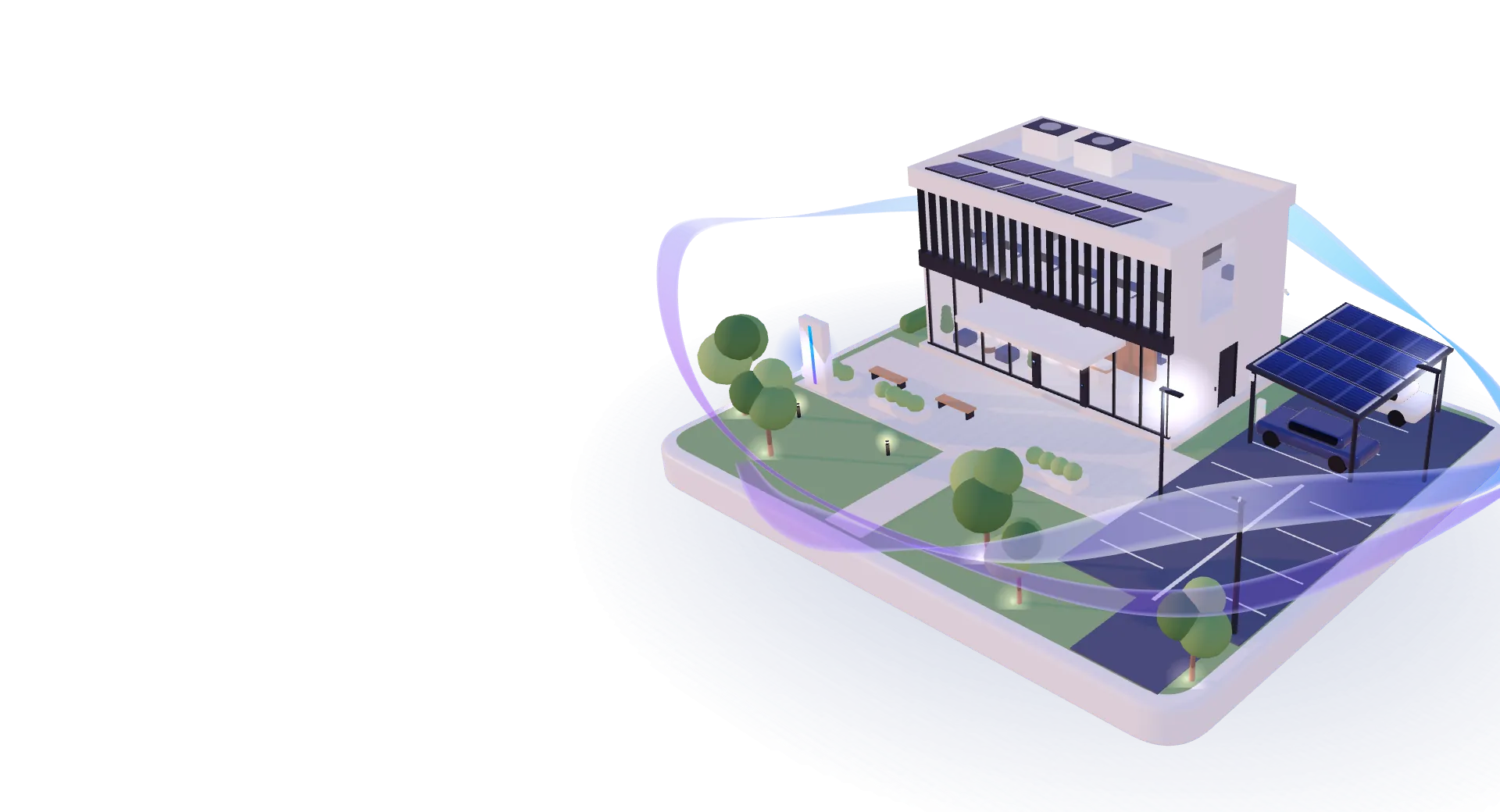
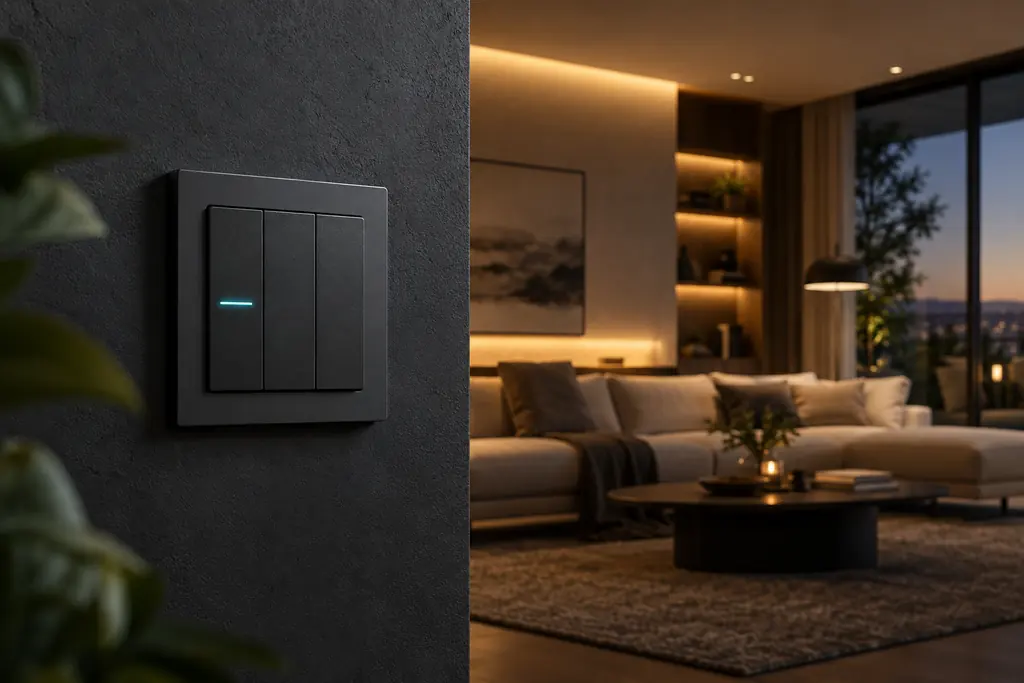
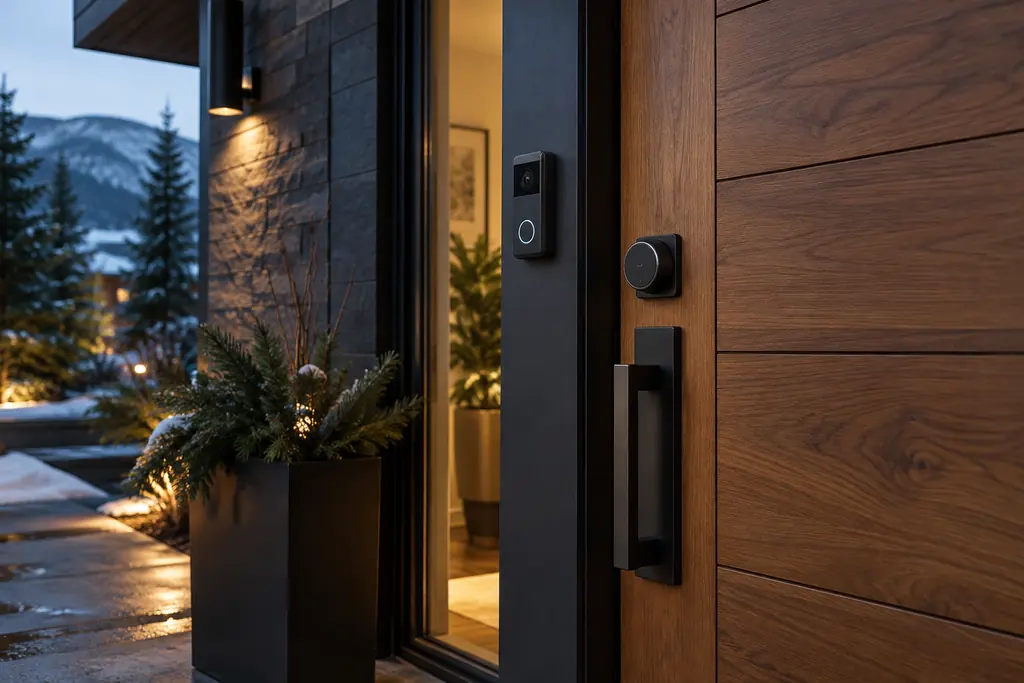
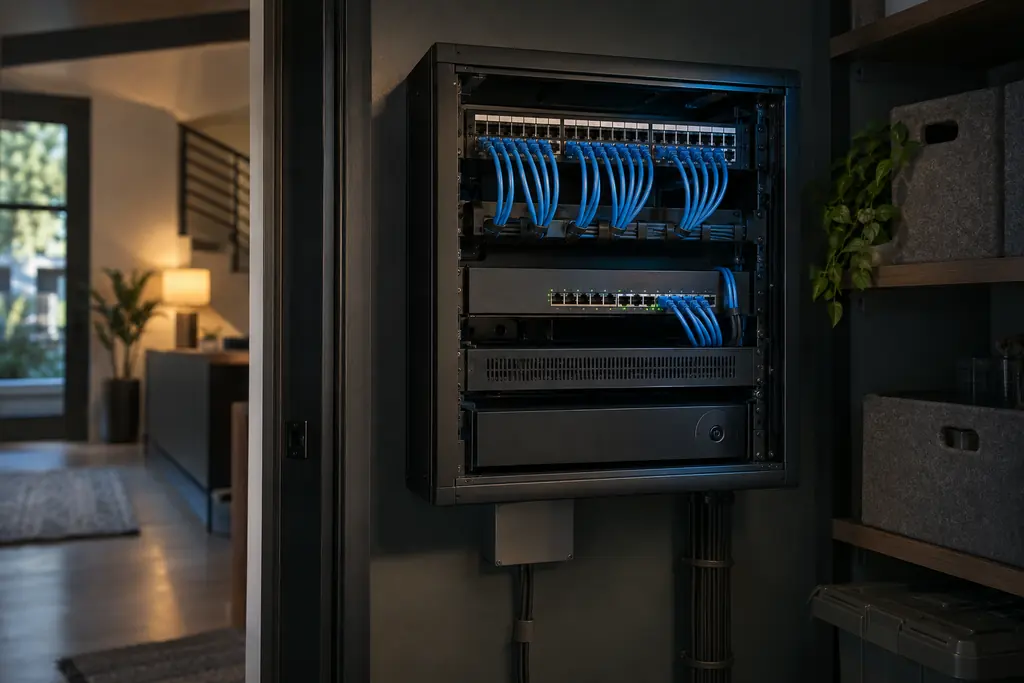
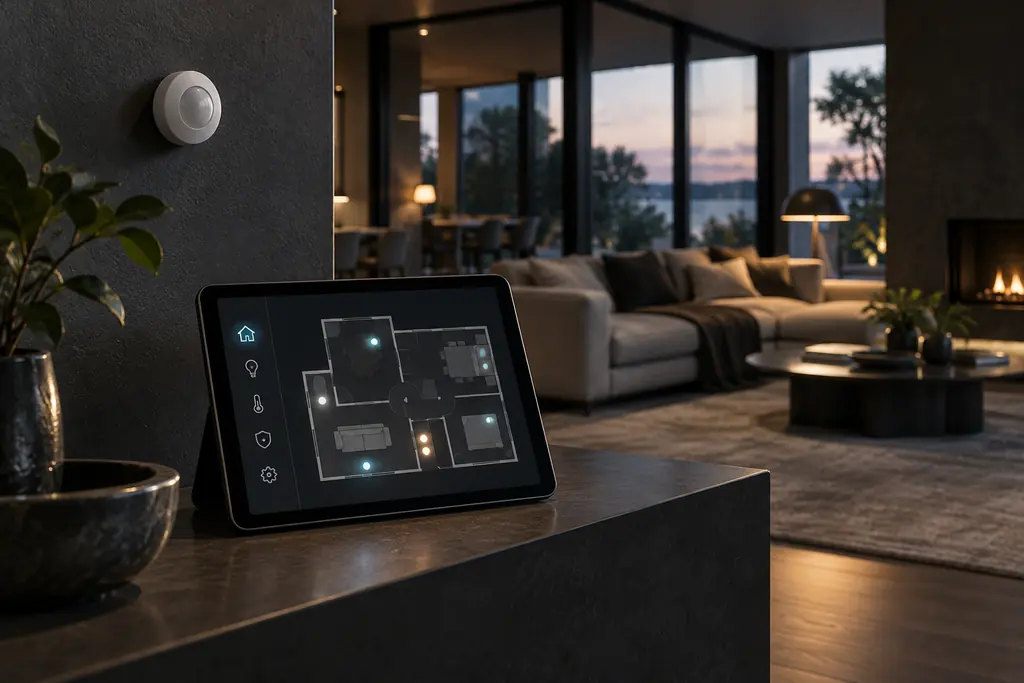
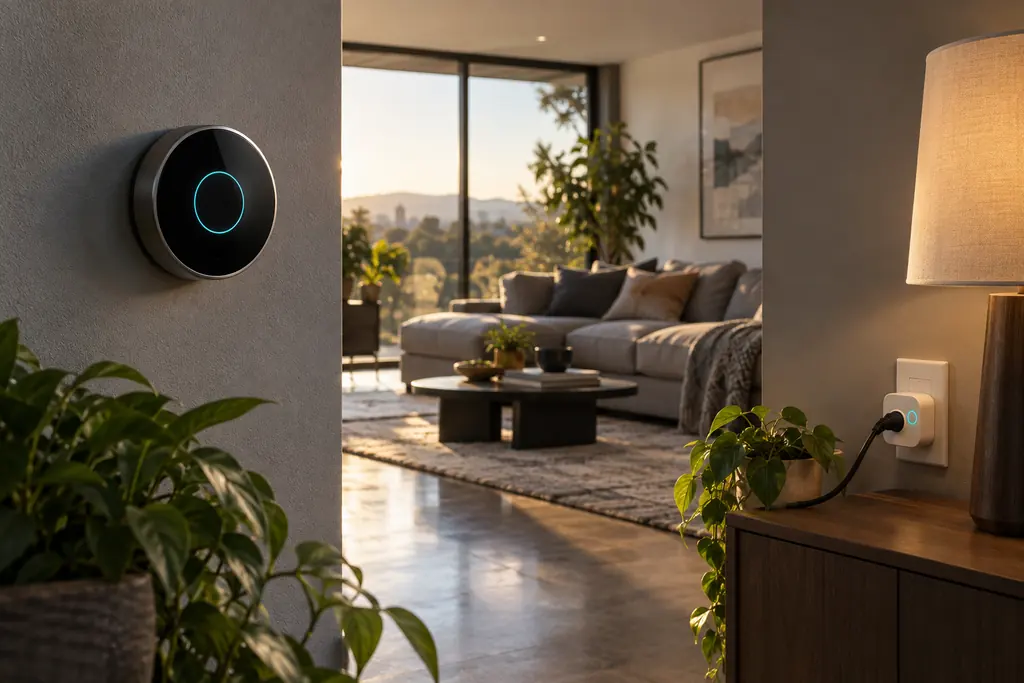
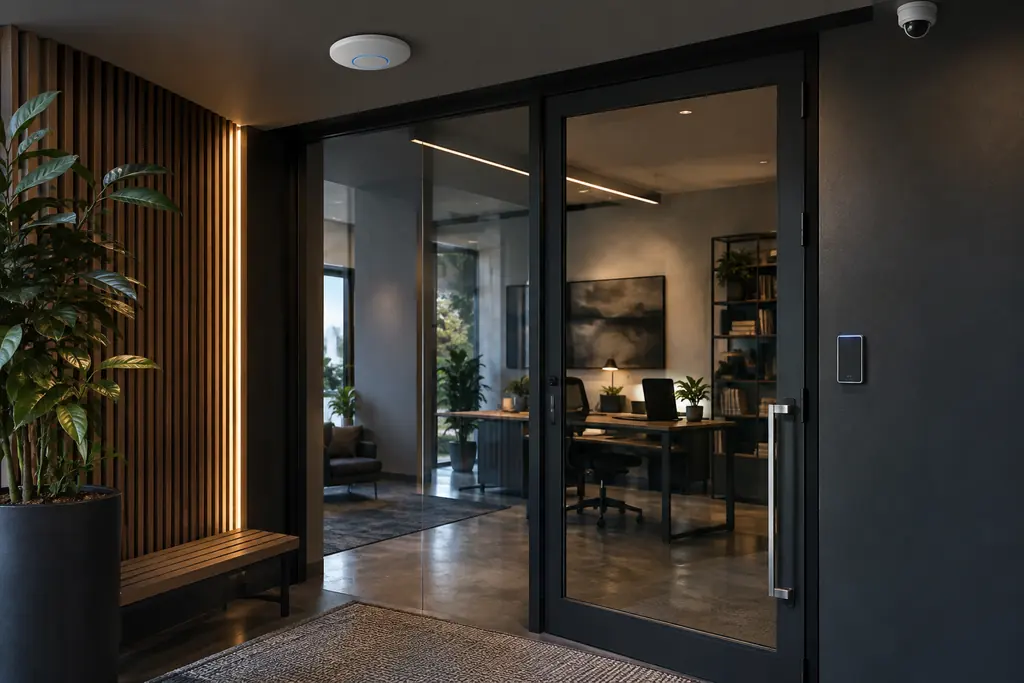
Explore the devices, the installation and what they can do for your space — then see each one at work in the 3D home or business.
Service imagery is AI-generated to illustrate example devices and spaces. Specific products are selected for your project.
Wi-Fi coverage map
See the dead zones before you buy anything.
Many homes and offices start with one router where the internet line comes in. Walls, floors and glass weaken the signal — so the far rooms, the upper floor and the yard suffer. Here’s our example home and business, simulated with typical wall losses.
63%simulated: indoor space with good signal from the router alone
100%simulated: with a smartnow design, access points on wired Cat6
On site, we measure
Signal in every room and work area, against a −66 dBm design target
Walls, floors and glass that block the signal — and where cable can run
What needs Wi-Fi, what should be wired, and what needs power (PoE, C-wire, 240 V)
Illustrative simulation (5 GHz, multi-wall model with typical material losses from Cisco and 3GPP references). Your property is measured on site.
Packages · start anywhere, grow any time
Clear starting points. No dead ends.
Every property is different, so each project is scoped and quoted individually. These packages show what’s typically included at each level — and you can add to any of them later without switching packages.
Start at the level that fits, and add technology later without changing packages.
Start hereSuggested for you
smartnow Essential
An accessible first step into smart technology, connectivity and security.
Best for Condos, smaller homes and first upgrades
Wi-Fi assessment and coverage improvements
Video doorbell and smart lock
Smart thermostat
Lighting scenes for the main living areas
Setup, handover and manual-override guide
RecommendedSuggested for you
smartnow Advanced
More security, sensors, networking and automation, working as one.
Best for Family homes that want to see and secure more
Everything in Essential
Wired access points (Cat6 + PoE), room by room
PoE cameras with local recording
Leak, door and window sensors
Welcome home, Away and Good night routines
Separate networks for smart devices and guests
Fully integratedSuggested for you
smartnow Comprehensive
Networking, security, efficiency, automation and entertainment in one system.
Best for Larger homes, renovations and new builds
Everything in Advanced
Structured cabling and a network cabinet
Perimeter cameras and alarm integration
Motorized shades and multi-room audio/video
Energy monitoring, EV charger and solar integration
A central hub or wall display; optional AI-assisted alerts
Your mixSuggested for you
smartnow Custom
Choose the technologies that fit your property, priorities and budget.
Best for One specific problem, or an unusual space
Any mix of networking, security, efficiency and convenience
Start with one room or one problem
Add more any time
Organized around business outcomes: protect the business, keep it connected, reduce waste.
ProtectSuggested for you
smartnow Secure
Cameras, access control and alarms for the premises.
Best for Retail, restaurants and anywhere with stock or cash
PoE cameras with on-site recording
Card, fob or phone access control
Video intercom at the entrance
Door, motion and leak sensors with after-hours alerts
Stay onlineSuggested for you
smartnow Connect
Business-grade Wi-Fi and cabling, with networks kept apart.
Best for Offices, clinics and busy front counters
Coverage-designed access points on Cat6 + PoE
Firewall and managed switching
Separate staff, guest, camera and payment networks
Wired desks and meeting rooms
Reduce wasteSuggested for you
smartnow Efficient
Lighting, heating and cooling that follow how the building is used.
Best for Long hours, many rooms or rooftop units
Occupancy-based lighting and HVAC
Opening-hours schedules
Energy monitoring
EV charging integration
All in oneSuggested for you
smartnow Business
Secure, Connect and Efficient integrated, with insights and support.
Best for Multi-room sites and growing businesses
Everything in Secure, Connect and Efficient
Operations dashboard and smart alerts
Documentation for your team
An ongoing support plan
Infrastructure goes in during construction; buyers choose their level at purchase.
Every homeSuggested for you
smartnow Ready
The smart-ready baseline, installed while the walls are open.
Best for Builders and developers, per unit
Network cabinet location and power
Cat6 to living areas, offices and access-point locations
Pre-wires for doorbell, cameras and keypad
Documented, labelled runs
Buyer upgradeSuggested for you
smartnow Essential
Connected essentials, ready on move-in day.
Best for Entry-level upgrade at purchase
Everything in Ready
Access points installed and tested
Video doorbell and smart lock
Smart thermostat
Buyer upgradeSuggested for you
smartnow Advanced
Security, sensors and routines on top.
Best for A balanced middle option
Everything in Essential
PoE cameras with local recording
Leak and entry sensors
Lighting scenes and routines
Buyer upgradeSuggested for you
smartnow Comprehensive
The fully integrated home.
Best for Premium units and custom homes
Everything in Advanced
Shades, audio/video and energy integration
EV charger rough-in
Central hub or wall display
Suggested starting point
Access points
Cat6 runs
Cameras
PoE ports
What installation would involve
Worth knowing
A planning estimate from rules of thumb (roughly one access point per 1,200–1,500 sq ft per floor), not a quote. Counts are confirmed by an on-site assessment.
smartnow AI
Connected is good. Context is better.
A sensor sees movement. A useful system understands what you want to happen next. We explore how connected devices — and, where it helps, AI — can make those moments more helpful.
Illustrative workflow. AI features, dashboards and integrations are assessed for each project; this is not a live monitoring product.
smartnow
Front door opened while you’re away
Motion at the entry at 2:14 pm. The doorbell clip is ready, and the hallway lights are on.
View clipLock door
Why smartnow
Professional integration, without the complexity.
Smart technology without the traditional complexity or premium-only barrier. Here’s what that means in practice — and what you get in writing on every project.
Network first
We check — and fix — the network before adding devices. A smart building is only as reliable as the network behind it.
Local-first, cloud when it helps
Lighting, scenes, sensors, locks and recording keep working on your own network. Cloud is used for remote access and voice when it’s worth it.
Vendor-neutral
Equipment is chosen for reliability, local control, security and support — not because we’re tied to one brand.
One partner
Networking, security, automation, audio-visual and support from one team, so nothing falls between trades.
Start small, grow any time
Packages stay upgradeable. Add technology later without being forced into a bigger package.
Licensed trades where required
Regulated electrical work is done by licensed electrical contractors, never improvised.
Our standards where they apply to your project
A written design and itemized proposalEvery device, cable run and setting explained before any work starts.
Coverage planned to −66 dBmAccess points placed from a coverage plan and checked again after installation.
Separate networksPersonal, guest, smart-device and camera traffic kept apart, following the Canadian Centre for Cyber Security’s advice to isolate smart devices from systems that hold sensitive data.
Labelled, documented cablingA network map of what’s installed where, so anyone can service it later.
Tested before handoverConnectivity, recording, alerts and every routine checked against the plan.
A handover you can useOperating guidance, manual overrides and basic troubleshooting, plus optional support plans.
A typical DIY setup vs. a smartnow design
Area
Typical DIY setup
smartnow design
Wi-Fi
A mesh kit placed by guesswork, linked wirelessly
Access points placed from a coverage plan, wired back on Cat6
Cameras
Battery Wi-Fi cameras, often with a cloud subscription
PoE cameras on one cable each, recording on site
Network security
Phones, cameras, smart plugs and guests on one network
Separate networks for people, guests, smart devices and cameras
When the internet drops
Cloud-only devices stop responding
Local scenes, locks and recording keep working
Day to day
An app for every brand
One system, with only the apps you need
If something changes
Manufacturer help lines
A network map, a handover guide and a local team to call
DIY is a fine choice for a single device. It gets harder when a dozen devices, several brands and the whole property need to work together.
Ideas are only the beginning
The future still takes hands-on work.
Consult, assess, design, install, test, hand over — with the network first and every step documented, so you know exactly what you’re getting before you commit.
01
Consult
A free phone conversation about your space, your priorities and what you already own.
02
Assess
On site: wiring, Wi-Fi coverage, doors, heating and cooling, and existing equipment — measured, not guessed.
03
Design
A written plan and itemized proposal: every device, every cable run and what each part does for you.
04
Install & connect
Network first, then devices. Licensed trades handle any regulated electrical work.
05
Program & test
Scenes and routines set up, then every system tested: coverage, recording, alerts and manual overrides.
06
Hand over & support
A walkthrough, documentation and a manual-override guide, with optional monthly or annual support.
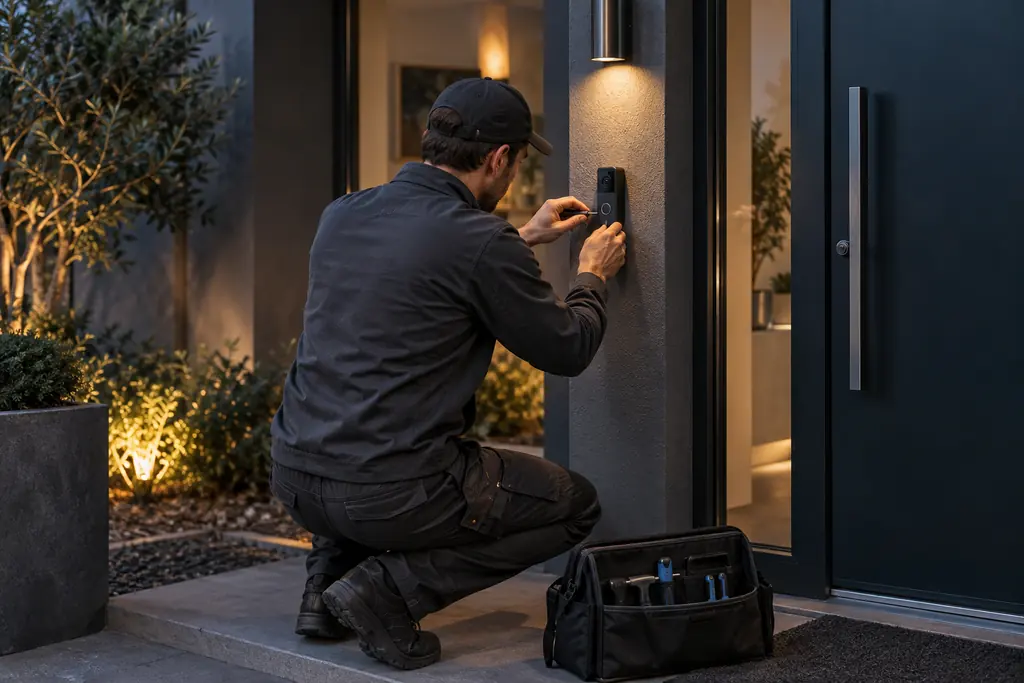
Connect with careThoughtful placement. Careful installation.Make it yoursWe connect the technology. You feel in control.
Illustrative AI-generated installation scenes, not photographs of smartnow staff or customer projects.
Before you connect
Good questions. Clear answers.
You should understand the setup before you commit to it. Here are good places to start.
We design local-first wherever the equipment allows. Lighting scenes, schedules, sensors, lock keypads and camera recording keep running on your own network. Remote access, phone notifications and voice assistants need the internet. Before you buy, we show you which is which for every device.
How do I know my Wi-Fi will actually be better?
We measure it. Coverage is planned room by room to −66 dBm — the level Cisco’s RF guide cites as a common standard for Wi-Fi coverage surveys — with access points wired back on Cat6. After installation we check coverage again and share the results. The Wi-Fi map in our 3D showcase shows the difference on an example home and business.
Can I start small and add more later?
Yes. Start with a room, the front door or a Wi-Fi problem. Our packages stay upgradeable, so you can add technology later without being forced into a bigger package — and the first stage is planned so it supports what comes next.
Can I keep the devices I already own?
Tell us what you have — brand, model and the app you use, if you know them. We check compatibility before recommending what to keep, connect or replace. An existing device doesn’t need replacing simply because you’re adding something new.
Do you do electrical work?
We install low-voltage technology: networking, cameras, sensors, access control and automation. Where regulated electrical work is needed — a new circuit for an EV charger, a line-voltage thermostat or a doorbell transformer, for example — it’s done by licensed electrical contractors, who file the required ESA permits.
Will my cameras need a cloud subscription?
Not necessarily. Cameras can record to a recorder in your home or business, and you can view them remotely. Cloud backup is an option when it adds value, not a requirement.
How is AI different from an everyday automation?
A routine such as “turn on a light when a sensor detects motion” works without AI. AI can help interpret more complex information or add useful context to an alert. We start with practical routines and add AI only where it offers real value.
What does the free consultation include?
A free initial phone conversation about your space, your existing devices and what you’d like to improve. Any on-site assessment, design or installation is scoped and quoted separately, so you know what’s involved before you commit.
What should I budget for my project?
Cost depends on the property, the condition of the network, the devices and the installation involved, so we quote per project rather than with fixed price lists. The plan builder above gives you an idea of the scope; share a comfortable budget range in your enquiry and we’ll shape the proposal around it.
Do you work with builders, landlords and businesses?
Yes. We can pre-wire new homes and give buyers upgrade options, plan access and connectivity for rental properties, and design networks, cameras and access control around a business’s hours and layout.
Local roots. Forward thinking.
Technology people. People people, too.
Technology should adapt to people — not force people to adapt to technology.
Based in London, Ontario, smartnow designs and integrates intelligent technology that makes homes and businesses safer, more efficient, more convenient and easier to manage. We bring networking, security, automation, energy and audio-visual together into one system — and, where it adds real value, intelligent software and AI.
Whether you’re upgrading a familiar home, building something new or running a business, we start by listening, then design around how the space is really used. Our goal is to be your long-term technology partner: from connected spaces to intelligent spaces.
We start by listeningYour space and routines come before any product.
Practical firstSimple routines first; AI only where it adds value.
Clear scopeProject-specific quotes before any work begins.
Your free first step
Your smarter space starts with a conversation.
Start with a free initial phone consultation. Tell us about your space, your existing devices and what you’d like to improve. We’ll help you explore the right options.